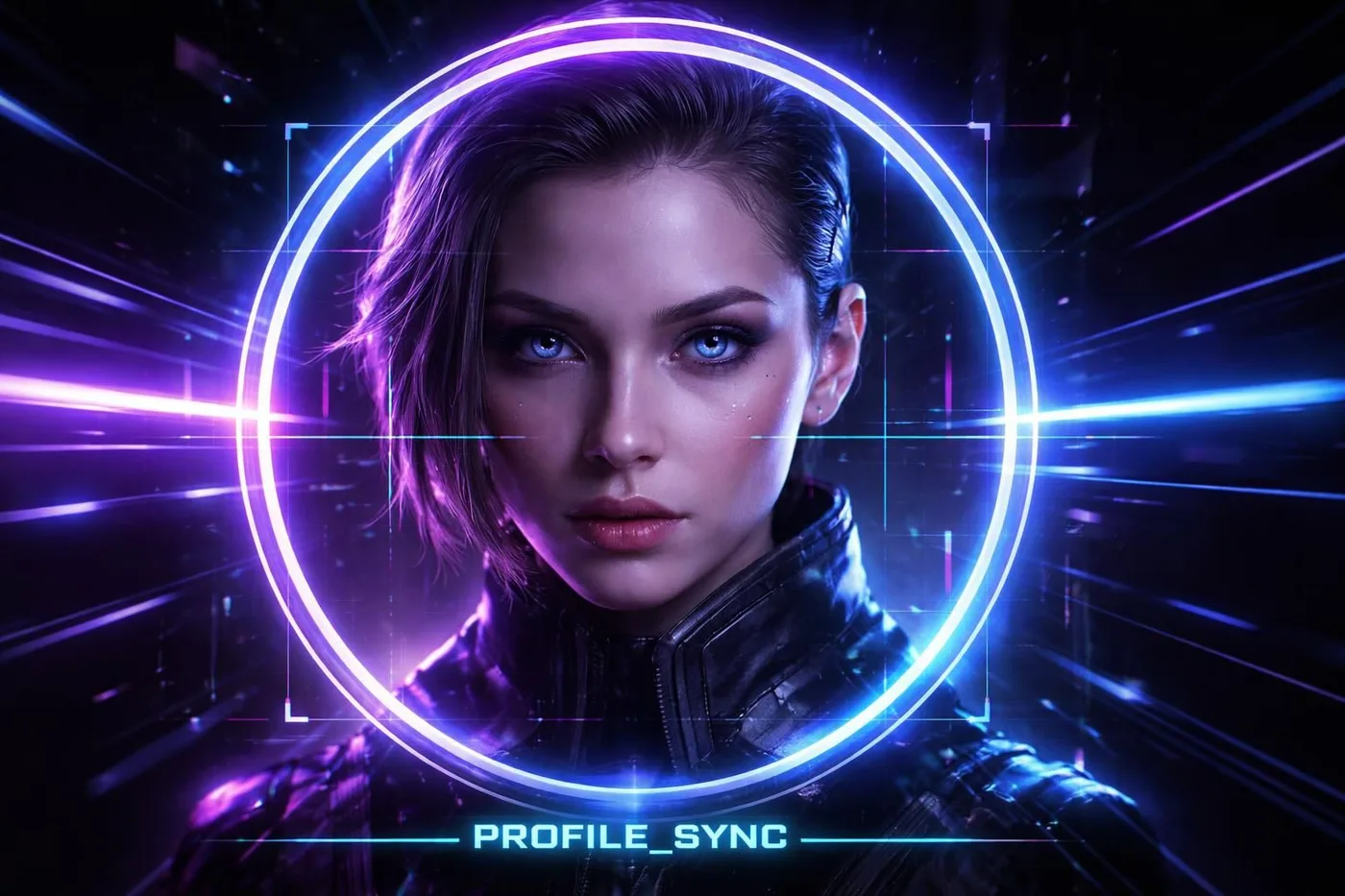
First impressions on messengers and social media start with your avatar. Often, when uploading, key details get cut off by the platform's circular frame. The ARCVOX system solves this by creating a perfectly centered image beforehand.
Why prepare your photo in advance?
Built-in editors in apps like Telegram or WhatsApp often compromise quality. By using the circular avatar tool, you gain full control over the composition. The system automatically crops to the center and saves the result in PNG format with a transparent background.
Maintaining Clarity
To keep your profile looking sharp on Retina displays, we recommend resizing to 800x800 pixels before cropping. For an extra touch, try applying a watermark or a subtle filter before the final cut.
ARCVOX Pro Tip: Save your avatar as a PNG to avoid jagged edges and artifacts. Your profile deserves perfection.
Leave a Comment